CSE 111 - Fall 2002
Lab #10 - Crossword Puzzle
Background
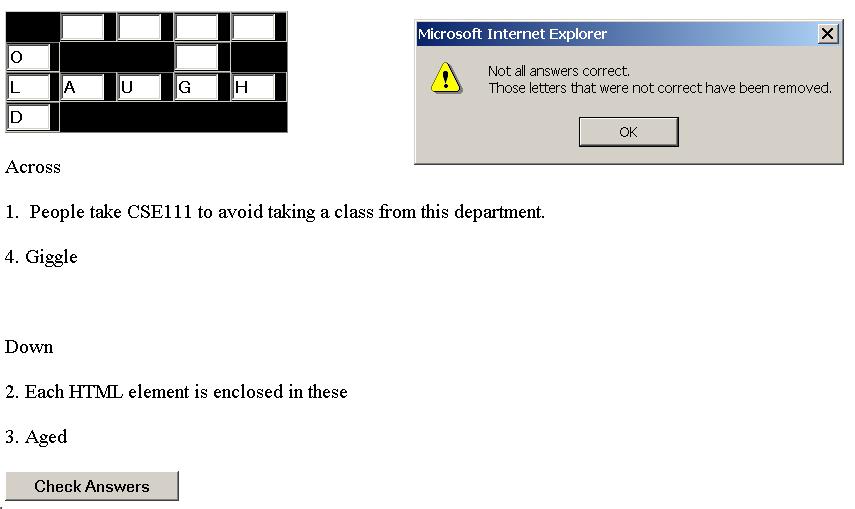
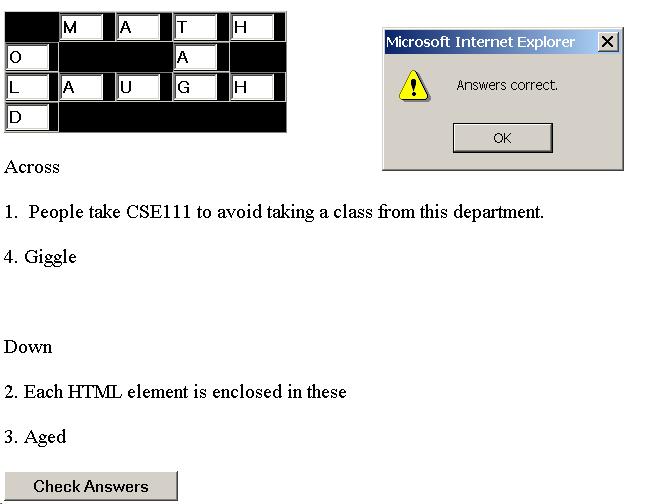
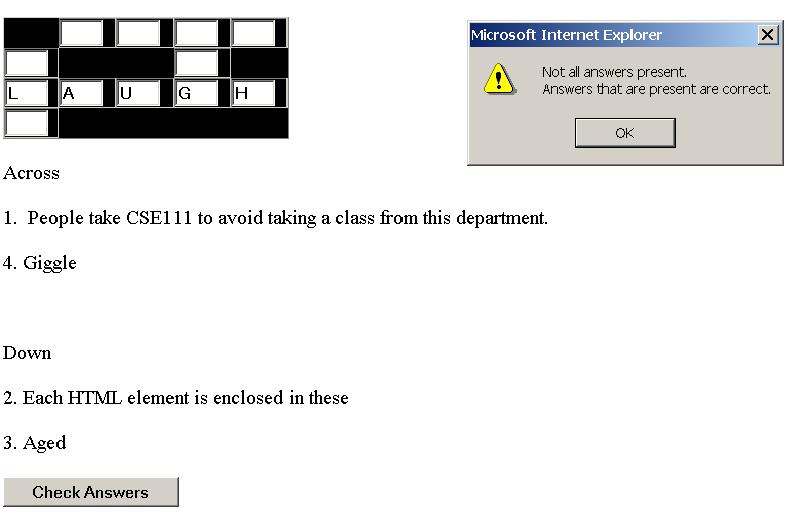
For this lab, you will build a crossword puzzle. The screen should initially display the puzzle and the clues for the answers to the puzzle. Each of the spaces should be a text box that the user can type a letter into. The user can check his or her answers to the game by clicking on a "Check Answers" button on the form. If the user has a letter correct, the letter remains in the text box. If the letter is not correct, the value of the text box should be set to be blank. If the user has completed the puzzle, a congratulatory message should appear to alert the user that they have correctly completed the game board.
Your implementation should load up with the same puzzle each time. The puzzle should consist of at least 6 questions in the across and 6 questions in the down. (Or more generally, a total of 11 questions overall split semi-equally amongst across and down). One of the more complex parts of this assignment is coming up with the words and where they cross and the questions you will ask.
Extra Credit
For additional credit, you can implement a smarter puzzle. The puzzle can check as the user types into the box whether or not they are correct and gives and indication immediately as opposed to the button checking system. Another option is to implement the game with more than one puzzle that will load randomly when the page opens.
Sample Interaction
Below is a sample interaction that you may use as a guide for how to implement the game. Note that the game shown does not meet the question requirements, but is given to guide you for interaction purposes.